
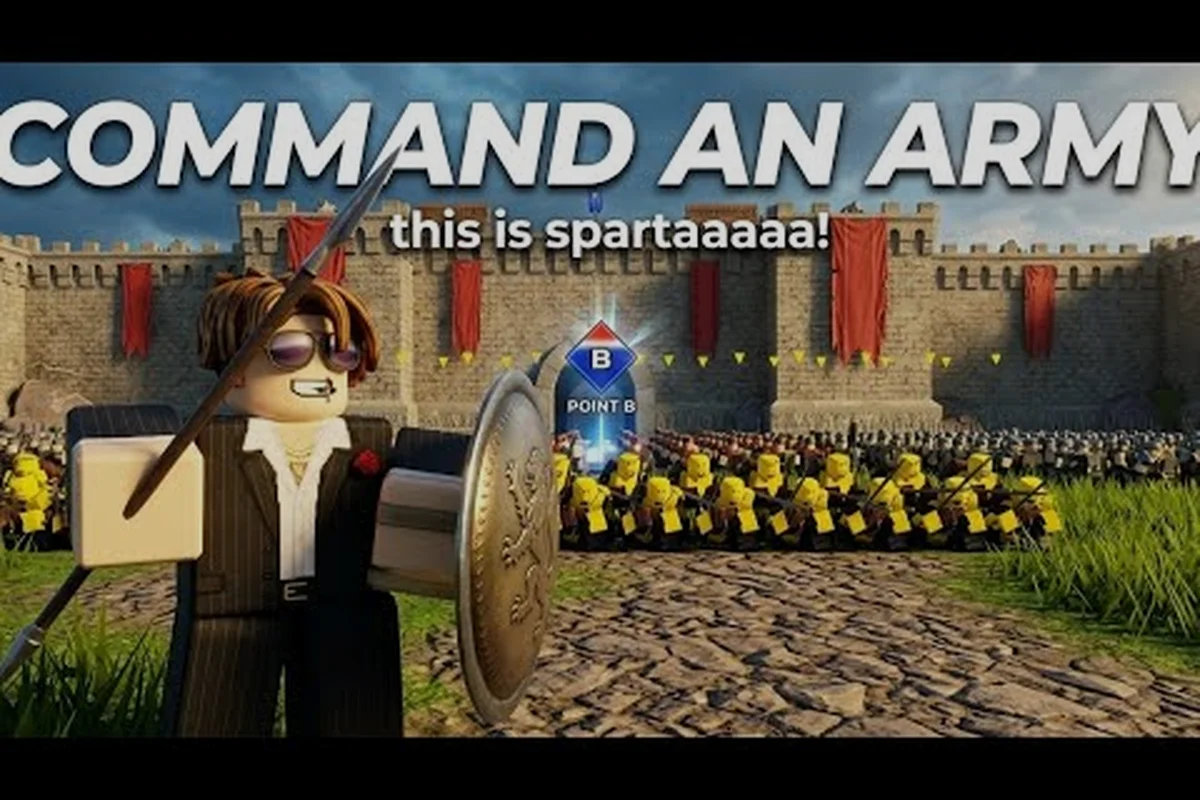
The Command An Army Discord server is the fastest way to reach the Fight, Fight, Fight! dev team, grab fresh codes before they hit YouTube, and squad up with experienced commanders. This guide breaks down the verified invite link, every important channel, and the unwritten rules so your first hour in the server actually pays off.
Inside The Official Server: Channels And Roles
The Command An Army Discord server is the official community hub run by developer JakeKamuii and the Fight, Fight, Fight! Roblox group. According to the official Command An Army Discord, the server is where patch notes, balance changes, event timers, and limited codes drop hours before they show up anywhere else. If you only bookmark one place outside Roblox itself, this is it.
The server is more than a chat room. It doubles as a real-time strategy lab: players post formation clips, debate whether the Shield Wall or Spear Line holds better on the bridge map, and queue up for ranked squads. Community data, reported by long-time members, shows that codes posted in the dedicated #codes channel typically remain active for 48 to 72 hours, which is a tight window compared to YouTube uploads that can lag a full day behind.
| Channel | Purpose | Posting Frequency | Access |
|---|---|---|---|
| #announcements | Patch notes, dev logs, downtime alerts | 1-3 times per week | Read-only |
| #codes | Active and expired redeem codes | Daily during events | Read-only, react to ping |
| #dev-chat | Direct Q&A with JakeKamuii | Scheduled (usually weekends) | Open |
| #general | Matchmaking, memes, casual chat | Constant | Open |
| #clans | LFT posts for ranked squads | Peak evenings | Open |
| #media | Clips, screenshots, fan art | Constant | Open |
Three things make this server different from a typical Roblox fan Discord. First, the developer is active, not a ghost account; JakeKamuii reads reports and occasionally replies with a fix ETA. Second, the moderation team aggressively bans exploit-sellers, so the vibe stays focused on actual gameplay rather than scam links. Third, every code that goes live in Roblox is posted in #codes within minutes, which gives Discord members a meaningful first-mover advantage.
How To Join And Verify The Official Command An Army Discord Link
Before you click anything, double-check the invite. Phishing servers copy the name, the icon, and even the member count, so the only Command An Army Discord link worth trusting is the one pinned to the developer's verified Roblox group. According to the Fight, Fight, Fight! Roblox group page, the community has crossed 63,000 members, and the linked Discord invite is the same one mirrored inside the group's social tab.
Step-By-Step Join Flow
-
Open the Command An Army official Discord invite in a browser. Confirm the server name reads "Command An Army" and the icon matches the Roblox group avatar.
-
Sign in or create a Discord account. Discord will prompt you to claim a username if you are new; pick something readable because clan leaders use it to invite you.
-
Accept the rules in the #welcome channel. The rules are short: no slurs, no exploit trading, no DM advertising, and no doxxing. Agreeing unlocks the rest of the server.
-
Verify your Roblox account in #link-accounts if you want to enter the official clan directory. Verification uses your Roblox profile URL, not your password.
-
Grab your roles in #self-roles. Recommended picks include Notifications, Event Ping, EU/NA Region, and Code Pings so the right alerts hit your phone.
Red Flags That Mean A Fake Server
A fake server usually has fewer than 1,000 members, a generic icon, and a #free-robux or #nitro-giveaway channel pinned at the top. Real developers never ask for your Roblox password, never DM you first, and never host "doubling your codes" events. If a server pressures you to scan a QR code or install a "verification bot," leave immediately; legitimate Command An Army Discord verification happens inside Discord, not through third-party sites.
The Fight, Fight, Fight! Roblox Group And Developer Group Connection
The Command An Army developer group on Roblox, Fight, Fight, Fight!, is the legal and creative home of the game. Joining the Roblox group is not the same as joining the Discord, but the two are tightly linked: every Discord announcement cross-posts to the Roblox group wall, and every Roblox group-only event code is first mentioned in #dev-chat before anyone else sees it.
| Platform | Account | Members | What You Get |
|---|---|---|---|
| Roblox Group | Fight, Fight, Fight! | 63,000+ | Wall posts, group-only cosmetics, founder rank after 30 days |
| Discord Server | Command An Army | Tied to Roblox group | Live chat, code drops, matchmaking, direct dev access |
| TikTok | @commandanarmy | Active since launch | Short-form teasers, 15-second patch recaps |
| YouTube | MimoBlox and others | Community-driven | Long-form guides, replay analysis |
The Fight, Fight, Fight! name is not just branding. According to the Command An Army Roblox game page, the developer is credited as JakeKamuii, and the group name doubles as a call to action that appears on the loading screen. Players who want insider access should join both the Roblox group and the Discord; the group gives you cosmetic perks and the Discord gives you timing.
Dev Channel Breakdown And How To Use Each One
The Command An Army Discord is organized so that newcomers can ignore most of it and still catch the important drops, while veterans can dig into strategy without wading through memes. The trick is knowing which channels deserve notifications and which deserve a silent mute.
#announcements And #patch-notes
This is the only channel that should be permanently unmuted. Every code, every balance change, and every planned downtime is posted here with a timestamp. Community testing, as reported by players, suggests that #announcements posts are usually made 30 to 60 minutes before the same news appears on the official TikTok, so reading this channel first saves you a refresh cycle.
#dev-chat And Weekend Q&A
#dev-chat is where JakeKamuii and senior testers answer questions about mechanics, upcoming troops, and known bugs. The channel runs on a slow chat format: questions are posted in threads, the dev replies, and the thread auto-archives after 7 days. According to community data, the most useful threads cover spawn priority, capture point AI, and formation swap cooldown because these numbers are tweaked often and never appear in patch notes.
#codes Channel And How Fast Codes Expire
The #codes channel is the single most valuable room for free-reward hunters. Codes are posted in a pinned list at the top, with a green ✅ for working codes and a red ❌ for expired ones. The community keeps this list fresh, and according to players, the average code lifespan on the server is around 60 hours, after which it usually stops working in-game. If you are hunting rewards, pair this channel with the Command An Army codes list so you have a static reference when the Discord is busy.
#clans And #matchmaking
Looking for a squad? #clans is the LFT board. Posts follow a simple template: region, rank, role needed, and timezone. #matchmaking is the live channel where players ping each other in real time, usually with a region tag like NA-East or EU-West. Veteran players recommend filtering out low-rank invites by checking the poster's Server Boost role, which is given to active community members and is a soft signal of skill.
Codes, Events, And Where Updates Drop First
Every Command An Army update has a predictable release pattern, and the server sits at the front of that pipeline. Codes land in #codes first, then the same code is reflected on the official TikTok roughly 15 minutes later, and finally on YouTube guides anywhere from 4 to 12 hours later. If you want to be the first to redeem, the Discord is the only place that consistently beats the clock.
| Update Stage | Where It Appears First | Typical Delay Before Next Channel |
|---|---|---|
| New troop or commander | #dev-chat (teaser) | 1-3 days until in-game |
| Balance patch | #announcements | Same day on TikTok |
| New map | #media (leaked screenshots) | 2-5 days until in-game |
| Event code drop | #codes | 15 minutes on TikTok |
| Exploit ban wave | #announcements | Same day on Roblox group wall |
A practical tip from community data: turn on push notifications for #codes and #announcements only, and mute everything else. Discord's per-channel notification system is the cleanest way to avoid alert fatigue while still catching every drop. If you prefer a quiet workflow, the Command An Army code generator and source guide summarizes where codes appear outside the Discord so you can cross-check.
Frequently Asked Questions
Is the Command An Army Discord server free to join?
Yes, the official Command An Army Discord server is free. Click the verified invite, accept the rules, and you get full access to all public channels. There is no paid tier, no VIP role, and no required donation. Anyone who asks for payment to enter the server is impersonating the developer.
What is the difference between joining the Discord and joining the Fight, Fight, Fight! Roblox group?
The Discord is for real-time chat, code alerts, and dev Q&A, while the Fight, Fight, Fight! Roblox group is for in-game perks, founder rank, and group-exclusive cosmetics. Most active players join both because the group unlocks cosmetic rewards that the Discord cannot grant, and the Discord unlocks information that the group does not post.
How often does the developer post in the Command An Army Discord?
Community data shows the developer posts in #dev-chat and #announcements roughly two to four times per week, with a heavier cadence during events and balance patches. Weekend Q&A sessions are scheduled about once per month and stay pinned in advance.
Can I get banned from the Discord for using a code exploit?
Yes. The moderation team permanently bans anyone caught trading exploits, duping units, or selling code-generator services. The developer has stated that Discord bans are mirrored to the Roblox group, meaning a Discord ban can effectively lock you out of group-only events. Play fair and report exploits in #bug-reports instead.
Where do I report a bug or suggest a new troop?
Post in the #bug-reports channel with a short clip, the match ID, and a clear description. Suggestions go in #feature-requests, which the dev browses weekly. The fastest responses come from reports that include a replay code, because the dev team can pull the match data directly from Roblox logs.